Document Management System (DMS)
- Centralise outlet licences
- Track statutory challans
- Never miss a renewal
One system for every outlet document — compliance profiles, expiry alerts and audit-ready reports across your entire network. Centralise outlet licences, track statutory challans and never miss a renewal.
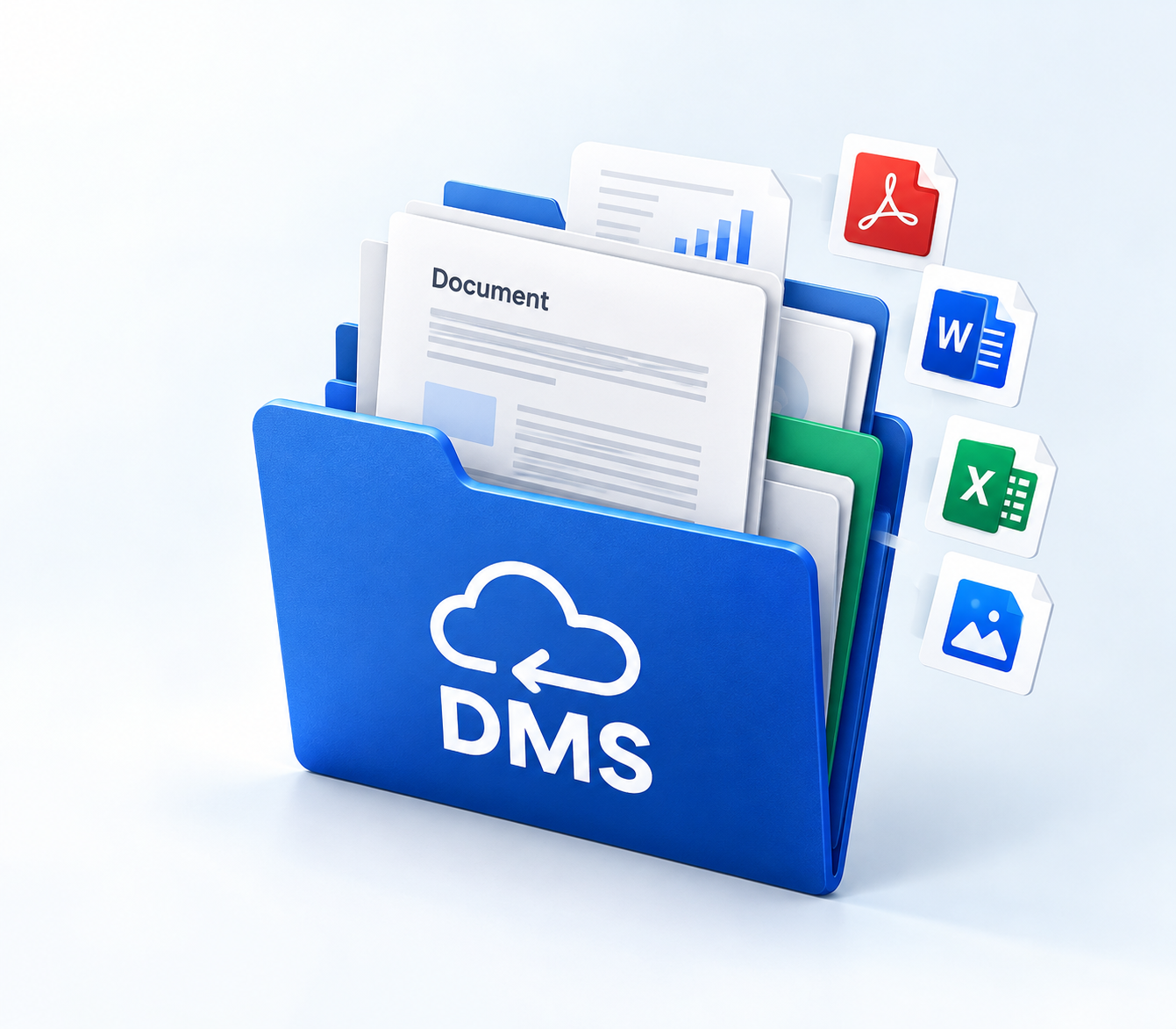
Never lose track of an outlet licence again
DMS is a cloud-ready Document Management System built for multi-company retail and F&B groups. It brings outlet licences, company governance documents, insurance and contracts, and statutory challans into one secure workspace, so operations, compliance, finance and leadership always know what is valid, what is missing and what is about to expire.
A structured hierarchy — Company → Location → Outlet → Document Folders → Documents — replaces paper folders and scattered drives. Compliance profiles auto-assign the right folder set when an outlet is created, and daily expiry evaluation feeds a live alert layer on the dashboard.
Built for multi-outlet F&B compliance
Role-based access · Expiry alerts · Audit-ready exports.
Multi-entity document hub
Multi-entity, multi-outlet document hub with company-wise branding and context.
Compliance profiles
Compliance profiles standardise which folders every outlet type must maintain.
Proactive renewal
Expiry windows, dashboard alerts and global directories keep renewals from slipping.
Statutory challans
Track PT, ESIC and PF challans alongside licences.
Governance layer
Insurance, contracts and director documents under the same roof as store licences.
Audit-ready exports
Excel and PDF exports across modules for audits and reviews.
Role-based access
HQ admins and outlet-scoped users see only what they need.
Everything in one control tower
Know every outlet’s document health in one click: complete, missing or expired.
Secure Access
Sign in with password or email OTP, with forgot-password reset, automatic logout on idle or token expiry, and roles: SuperAdmin, Admin and outlet-scoped User.
Dashboard — Control Tower
Live KPIs for locations, outlets, documents, expiry alerts, complete compliance, missing documents and challans, with charts and an expiry alert summary for insurance, directors and contracts.
Master Data
Location, Business Type, Add Folder, Applicable Compliance and User management. Compliance profiles auto-load the right folders when an outlet is created.
Outlets
Each store, kitchen, warehouse or office is a compliance unit, with outlet type, business type, applicable compliance, contacts, address and active or inactive status.
Outlet Document Management
Upload and renew licences and proofs inside outlet folders, with multi-file upload, registration number, start and end dates, remarks and search.
Compliance Reports
Total, Complete Compliance, Missing, Active, Expired and Missing Expiry Date views turn uploads into compliance intelligence.
Challans
Employee’s PT (PRC), Employer’s Paid (PEC), ESIC and PF challans with lists, forms, payment records and exports.
Admin Folder
Insurance policies, company and director documents, and contract agreements in folder trees, with expiry feeding the dashboard alerts.
General Directory
Year-wise outlet KYC packs, plus a Common Folder for shared policies and cross-cutting documents.
Global Directory
Expiry Alert Directory, company-wide Document Directory and Contact Directory, with search, print, PDF and Excel export.
Distribution modules
Distributor agreements with start, end and alert dates, plus CFA and VRS folder-based document repositories.
Outlet onboarding to alert
Onboard a new parlour with the correct compliance pack already attached.
Create a Location
Create the Location under Master.
Define document folders
Define document folders with Add Folder.
Build a compliance profile
Build an Applicable Compliance profile and map folders.
Add the outlet
Pick business type and compliance; folders auto-select.
Upload documents
Upload documents with registration number and expiry.
Close the gaps
Watch Missing Documents close as folders fill.
Stay ahead of every renewal
Stop renewals from slipping — alerts start months before end dates.
Compliance monitoring
Open Incomplete / Missing Documents for folder-level gaps across active outlets. Use Complete Compliance for healthy long-dated documents, and the Active, Expired and Missing Expiry directories for document-level triage.
Renewals & alerts
Outlet documents, contracts, directors and insurance are evaluated daily. Dashboard totals and the Expiry Alert Directory give you action lists, with critical (≤30 days) and upcoming windows for prioritisation.
Corporate admin renewals
Open Admin Folder → Insurance, Company Documents or Contract Agreement, build the folder tree, upload with expiry and track it via the Document Expiry Alerts Summary.
Who it is for
One workspace for everyone who touches compliance.
HQ Compliance / Legal
Templates, company documents, contracts, director KYC and audit trail.
Operations / Store teams
Outlet onboarding, uploading licences and filling missing folders.
Finance
Employee PT, Employer PT, ESIC and PF challans and payments.
Leadership
Dashboard KPIs, expiry risk, and complete vs missing compliance.
Auditors / Partners
Document Directory, Contact Directory and exports.
Frequently asked questions
Common questions about DMS.
No. It covers outlet licences plus company insurance, director documents, contracts, KYC, challans and distribution repositories.
Your compliance control tower is live
Missing docs? Expiring soon? DMS shows both. See outlet onboarding to alert in minutes.